Skip to content
-
Subscribe to our newsletter & never miss our best posts. Subscribe Now!
  • Home
  • Account
  • Blog
  • Blog
  • Contact
  • Contact
  • Contact Us
  • Customize Interests
  • Default Home 2
  • Default Home 3
  • Default Home 4
  • Default Home 5
  • Home
  • Home
  • Home Default
  • Homepage
  • Login
  • Logout
  • Members
  • My Bookmarks
  • Official Number for QuickBookExperts +1-(818)-900-9884
  • Password Reset
  • Privacy Policy
  • Questions
  • QuickBookExperts +1-(818)-900-9884
  • Register
  • Resources
  • Sample Page
  • Services
  • Team
  • User
  • Customer Area
    • Dashboard
    • Payments
      • Checkout
      • Payment accepted
      • Payment rejected
    • Files
      • My files
    • Pages
      • My pages
    • My account
      • Account details
      • Edit account
      • Logout
  • Home
  • Account
  • Blog
  • Blog
  • Contact
  • Contact
  • Contact Us
  • Customize Interests
  • Default Home 2
  • Default Home 3
  • Default Home 4
  • Default Home 5
  • Home
  • Home
  • Home Default
  • Homepage
  • Login
  • Logout
  • Members
  • My Bookmarks
  • Official Number for QuickBookExperts +1-(818)-900-9884
  • Password Reset
  • Privacy Policy
  • Questions
  • QuickBookExperts +1-(818)-900-9884
  • Register
  • Resources
  • Sample Page
  • Services
  • Team
  • User
  • Customer Area
    • Dashboard
    • Payments
      • Checkout
      • Payment accepted
      • Payment rejected
    • Files
      • My files
    • Pages
      • My pages
    • My account
      • Account details
      • Edit account
      • Logout
Close

Search

  • https://www.facebook.com/
  • https://twitter.com/
  • https://t.me/
  • https://www.instagram.com/
  • https://youtube.com/
Subscribe
QuickbooksQuickbooks Online

Get paid faster with QuickBooks invoicing

By QuickBook Experts
April 22, 2019 2 Min Read
2

Learn How QuickBooks Online helps you get paid faster with smarter invoicing features. Getting paid feels great, But sometimes there’s uncertainty as to when and how you’ll receive payments from your customers. And when the money arrives, there’s still extra work left: depositing the payment, waiting for it to hit your bank, then reconciling the transactions.

QuickBooks built-in invoicing tools simplify the whole process, so you can save time, get paid faster, and keep the cash flowing.

We’ll show you how in the sections below.

Get paid faster Let your customers pay you in an instant.
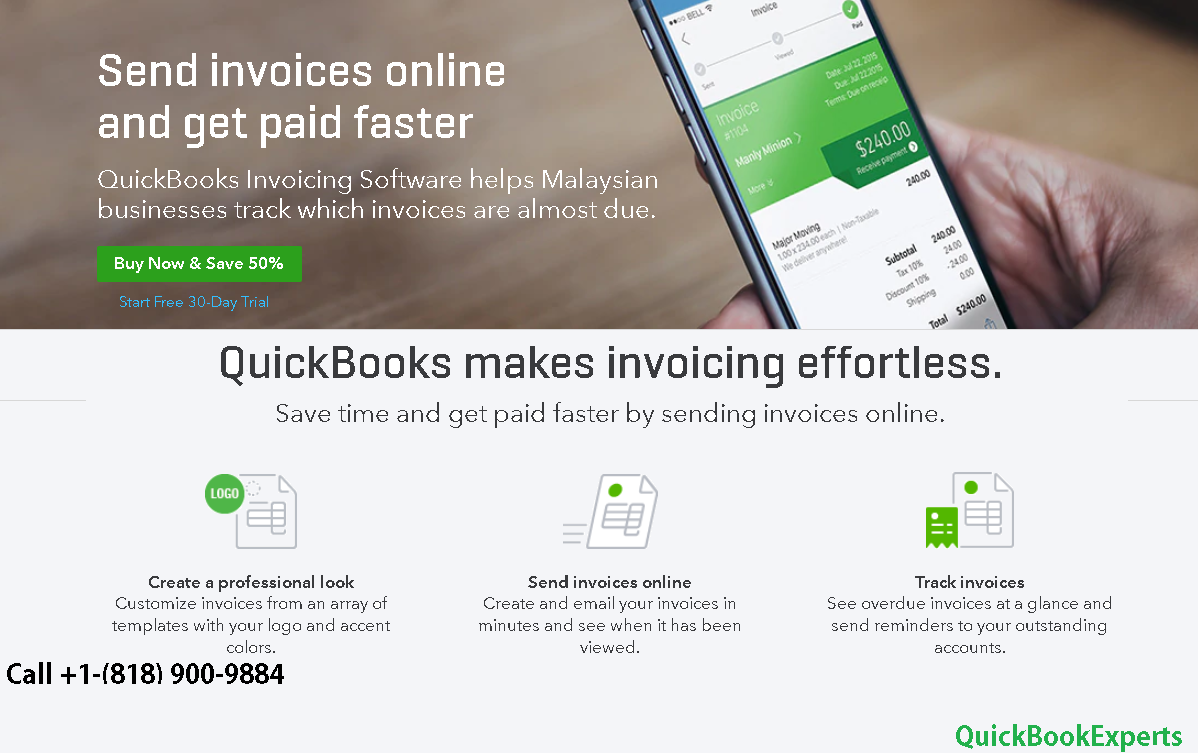
 

QuickBooks Invoicing


QuickBooks Pay Now feature allows your customers to pay by credit card, Apple Pay, or free bank transfer—right in their online invoices.

When you make it easy for customers to pay, they’re more likely to pay on time.

Sign up for QuickBooks Payments and let your customers pay invoices online.

Track invoices easily and save time To keep you on top of things, instant alerts let you know when customers view and pay invoices. And once customers pay, your money goes directly to your bank (no more paper checks or hectic bank runs). Then, QuickBooks automatically matches payments with invoices, so you can reclaim admin time. Learn how Quickbooks auto matches your bank transactions.

To Know More About

Get paid faster with QuickBooks Invoicing

Call : Email : Live Chat to Experts

More Options : Add sales tax categories to your products and services

Run your Profit & Loss Report using QuickBooks Online for Android
Author

QuickBook Experts

Follow Me
Other Articles
Previous

Error: Your system has only xxxMB of free memory

Next

QBC: Where can I find my QuickBooks Capital Loan Documents?

2 Comments

Leave a Reply Cancel reply

Your email address will not be published. Required fields are marked *

//

We influence 20 million users and is the number one business and technology news network on the planet

Copyright 2026 — . All rights reserved. Blogsy WordPress Theme