Firslty TSheets is now a part of QuickBooks. You can say its QuickBooks Tsheets Or TSheets QuickBooks
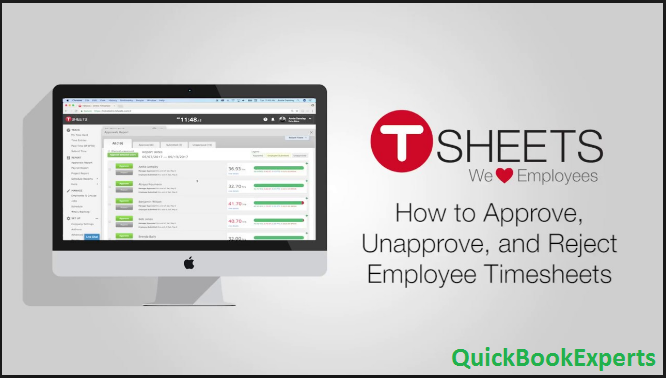
Learn How to approve, unapprove and reject hours that have been submitted in TSheets and Approve or disapprove employee hours using TSheets. tSheets in QuickBooks
Using the TSheets integration with QuickBooks Online allows you to approve, disapprove and even reject timesheets before processing payroll.
In QuickBooks, select Create (+), then Approve Time.
In the Approve Time window, select a date range.
To batch approve or unapprove timesheets:
At the left, select the employees you wish to be included in the batch action.
Select Batch Actions and either Approve or Unapprove.
To review and approve or reject individual timesheets:
Click an employee name to display their timesheets.
Add, edit, or delete a timesheet, then select Save.
At the top right of the employee’s timesheet list, select Approve.
Continue reviewing timesheets, and for each, select Approve, or choose the dropdown arrow to access the Reject option. Note: The Reject option only displays if you have selected “Employees submit their timesheets” in TSheets.
At the bottom right, you have three options to accept the timesheets (accept means the timesheets will be sent to the Weekly Timesheets in QuickBooks):
Accept and close: Returns you to the QuickBooks home screen.
Allow and create invoice: Opens Invoicing so you can create a new invoice.
Accept and run payroll: Opens Payroll so you can run payroll.
Note: The Support for TSheets is also provided by QuickBooks Company.
Still Stuck with Approve or disapprove employee hours using TSheets
Superb blog! Do you have any tips for aspiring writers? I’m hoping to start my own website soon but I’m a little lost on everything. Would you recommend starting with a free platform like WordPress or go for a paid option? There are so many options out there that I’m completely overwhelmed .. Any suggestions? Kudos!


Superb blog! Do you have any tips for aspiring writers? I’m hoping to start my own website soon but I’m a little lost on everything. Would you recommend starting with a free platform like WordPress or go for a paid option? There are so many options out there that I’m completely overwhelmed .. Any suggestions? Kudos!